Purchasing the same video game across different storefronts (such as Steam, Epic Games Store, PlayStation Network, or Xbox) does not guarantee identical usage rights. While the title and gameplay remain identical, storefront licences, downloadable content (DLC) expansion access, in-game currency, online multiplayer matchmaking, and save files follow distinct platform policies.
A common mistake involves assuming that linking an external publisher account makes every game purchase fully portable. Account linking synchronizes character progress across platforms, but base game licenses and paid expansions usually remain bound to the specific storefront where they were bought.
Storefront Licensing and Server Access Protocols
A single digital video game transaction generates four separate entitlements, each governed by different technical authorities.
| Entitlement Category | Controlling Entity | Operational Scope and Usage Rights |
| Base Game Licence | Purchasing Storefront (Steam, Epic, PSN) | Grants software launch rights strictly on the purchasing platform |
| Online Multiplayer Access | Publisher Servers and Console Networks | Determines crossplay matchmaking and mandatory console subscriptions |
| DLC and Expansion Rights | Storefront Licence Registry | Controls access to paid expansions, maps, and add-on content |
| Character Save Data | Publisher Cloud Account System | Synchronizes player statistics, unlockables, and story progress |
Platform Ownership Models and Cross-Platform Limitations
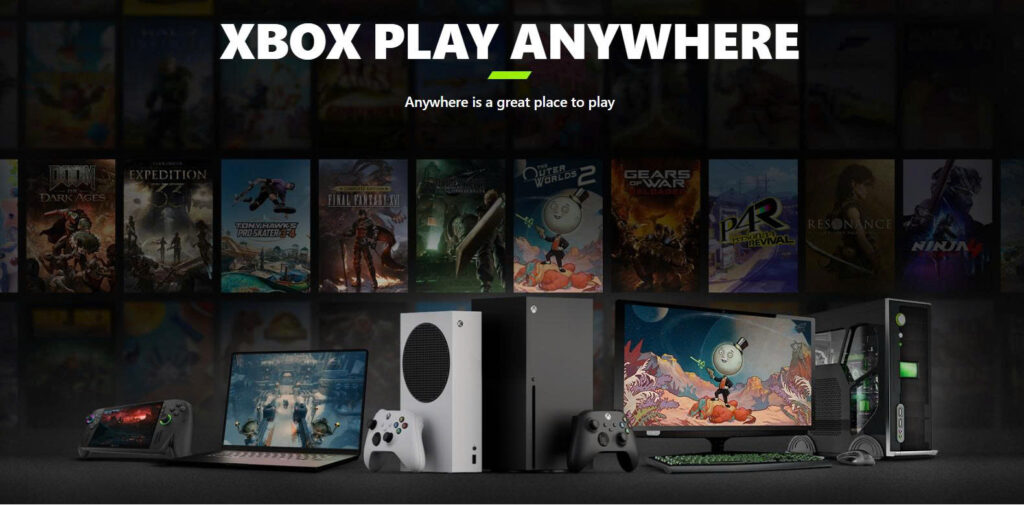
Purchasing a game on Steam does not confer a licence to launch the same title on the Epic Games Store or Microsoft Store, even on the same PC. Digital storefronts operate as independent commercial entities with separate digital rights management (DRM) systems.
Crossplay Matchmaking and Server Pooling Differences
Crossplay features allow players across different storefronts and consoles to share the same multiplayer servers. However, crossplay support is not universal. Matchmaking pools can be restricted by platform generation (such as separating PlayStation 4 and PlayStation 5 player pools) or by regional server deployment rules. Players must verify storefront product listings to confirm whether PC and console ecosystems share identical server pools for that specific title.
DLC Compatibility and Virtual Currency Binding
Expansion packs, season passes, and virtual currencies operate under strict storefront dependency rules.
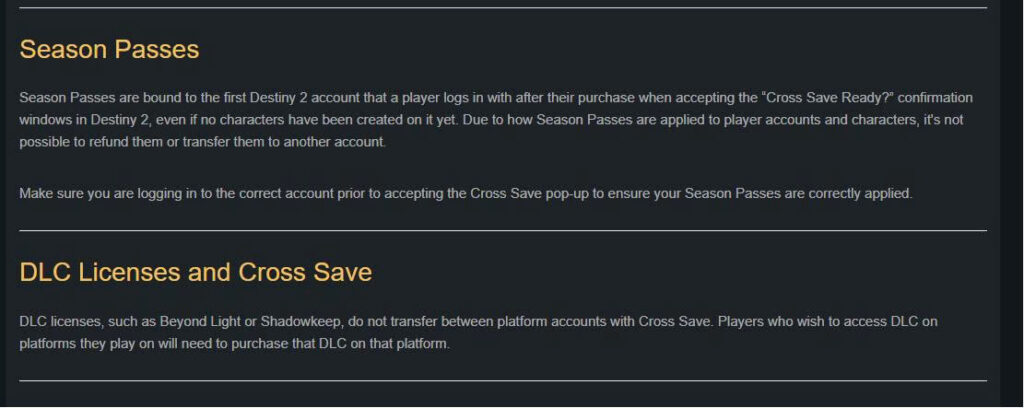
Buying a base game on one storefront and purchasing an expansion pack on another storefront usually results in an incompatible, unlaunchable product. For example, in titles like Destiny 2, while the base game is free across multiple storefronts, paid expansions purchased on Steam will not unlock on the Epic Games Store or PlayStation Network. A player operating on Epic Games Store must repurchase the expansion on Epic, even if their characters were created on Steam.
Similarly, virtual currencies (such as Destiny Silver or V-Bucks bought with real money) are frequently locked to the platform ecosystem where the transaction occurred. While items purchased with virtual currency usually transfer across linked platform accounts, unspent currency balances remain restricted to the original purchasing storefront.
Publisher Account Linking and Unlinking Restrictions
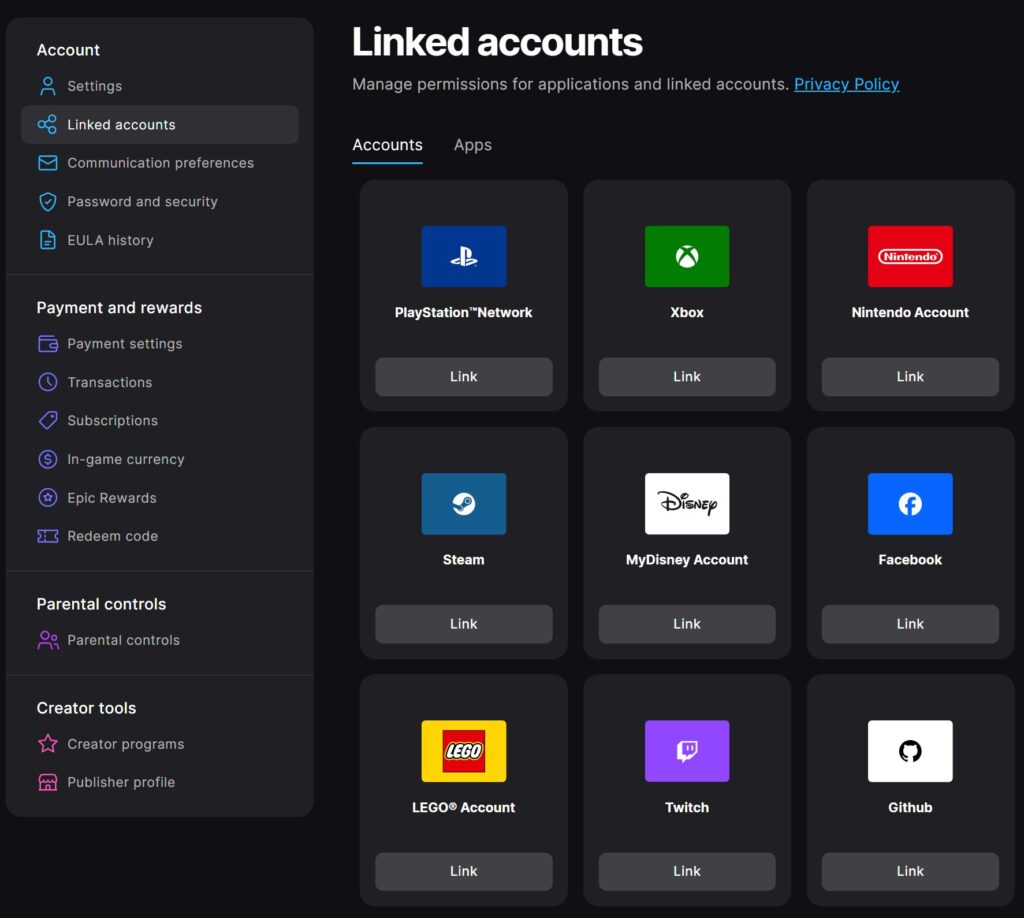
Connecting a storefront profile to an external publisher account (such as Bungie, EA, or Ubisoft accounts) determines where progress and paid benefits reside.
Before launching a game for the first time, players must verify that their primary storefront profile connects to the correct publisher account. Linking the wrong platform account can permanently assign seasonal passes, pre-order bonuses, or cosmetic unlocks to an empty profile.
Unlinking and relinking accounts should never be used as a routine troubleshooting step. Many publisher systems enforce mandatory waiting periods (such as a 90-day cooldown) before an unlinked storefront profile can be reattached to a publisher ID. Additionally, recent virtual currency purchases can temporarily block account unlinking entirely.
Cloud Save Migration and Achievement Restrictions
Cross-save technology enables character progression to follow a unified publisher account across platforms, but save file migration contains technical limitations.
When transferring progress between storefronts, save files can fail to load if a target platform lacks the required expansion licences. If a character is saved in an area exclusive to a specific DLC, loading that save file on a storefront where the DLC is not owned will trigger error prompts or lock access to that character until the required expansion is licensed.
Furthermore, platform achievements do not always auto-pop when switching storefronts. While publisher cloud systems sync in-game stats, storefront-specific achievement triggers often fail to retroactive sync across competing launcher networks.
Family Sharing Rules, Offline Permissions, and Refund Clearing
Storefront policies regarding game sharing, offline playback, and refund processing vary significantly across digital ecosystems.
Family Sharing Limits and Offline DRM Validation
Storefronts enforce different rules for local library sharing and offline play:
- Steam Family Sharing: Allows designated family members to access shared libraries, but blocks access if the library owner launches any game simultaneously.
- Console Sharing (PS5 / Xbox Home): Enables primary console assignment, allowing secondary accounts on the same hardware to access games and online multiplayer features offline.
- Offline DRM Requirements: Certain launchers require a periodic online handshake (every 7 to 30 days) to validate offline playback rights.
Entitlement Clearing Following Storefront Refunds
Requesting a refund for a base game on a storefront immediately revokes access rights, even if external publisher accounts remain linked. Any cosmetics or season passes credited to the publisher account during the refund window will become inaccessible until the base game is repurchased.
If entitlement discrepancies arise following a refund or purchase error, store transaction charges must be resolved through storefront customer support (Steam or PlayStation Support), whereas missing in-game items or character progress errors belong with publisher customer service.